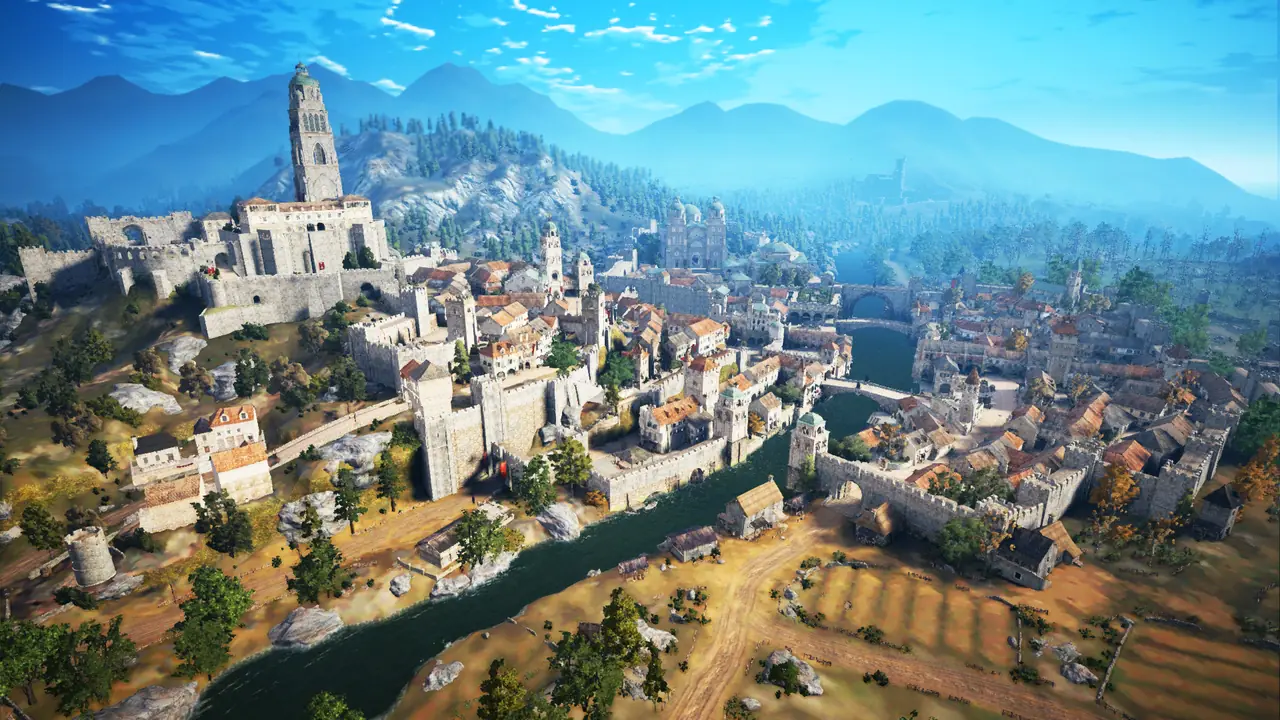
Getting Started
Getting Started
Download the launcher, make an account, link Discord, press PLAY.
Cost
Free to play
Download
About 100 GB
Needs
Windows PC, Discord account
Discord account age
30 days or more
Character slots
6, up to 32
Install#
- Download the launcher from aetherbd.cc and unzip it.
- Put the folder on a drive with about 100 GB free. The game downloads next to the launcher.
- Run AetherBD Launcher and press Create an account: username (3+ characters), email, password (6+), birth date. A friend invited you? Add them under Invited by, see Referrals.
- Save the recovery code it shows. You need it to reset your password, and we can't recover it for you.
- Press UPDATE. The launcher takes you through linking your Discord first.
- When the download ends, press PLAY. If Windows asks for permission, click Yes.
The launcher sits in the tray while you play. Leave it running: closing it closes the game.
On Linux? See Linux. Something went wrong? See Troubleshooting.
First login#
- Right-click
 AetherBD Starter Box in your bag. Keep 16 inventory slots free.
- Press Y for Challenges and open the Rewards tab. Claim the AetherBD Welcome Gift and AetherBD Starter Crystals.
- Right-click
 AetherBD Premium (3 Days) in your Pearl inventory to start 3 days of Premium.
Full list: Starter Package. What to do next, in order: Starter Guide.
Base rates#
Before buffs.
| Rate | Amount |
|---|---|
| Combat EXP | x10 |
| Skill EXP | x500 |
| Mount EXP | x8 |
| Gathering, Fishing, Hunting, Cooking, Alchemy, Processing, Trading EXP | x10 |
| Training EXP | x5 |
Next#
Updated Nov 5, 2026